Why Your Website is Slow: The Hidden Cost of Unoptimized Images
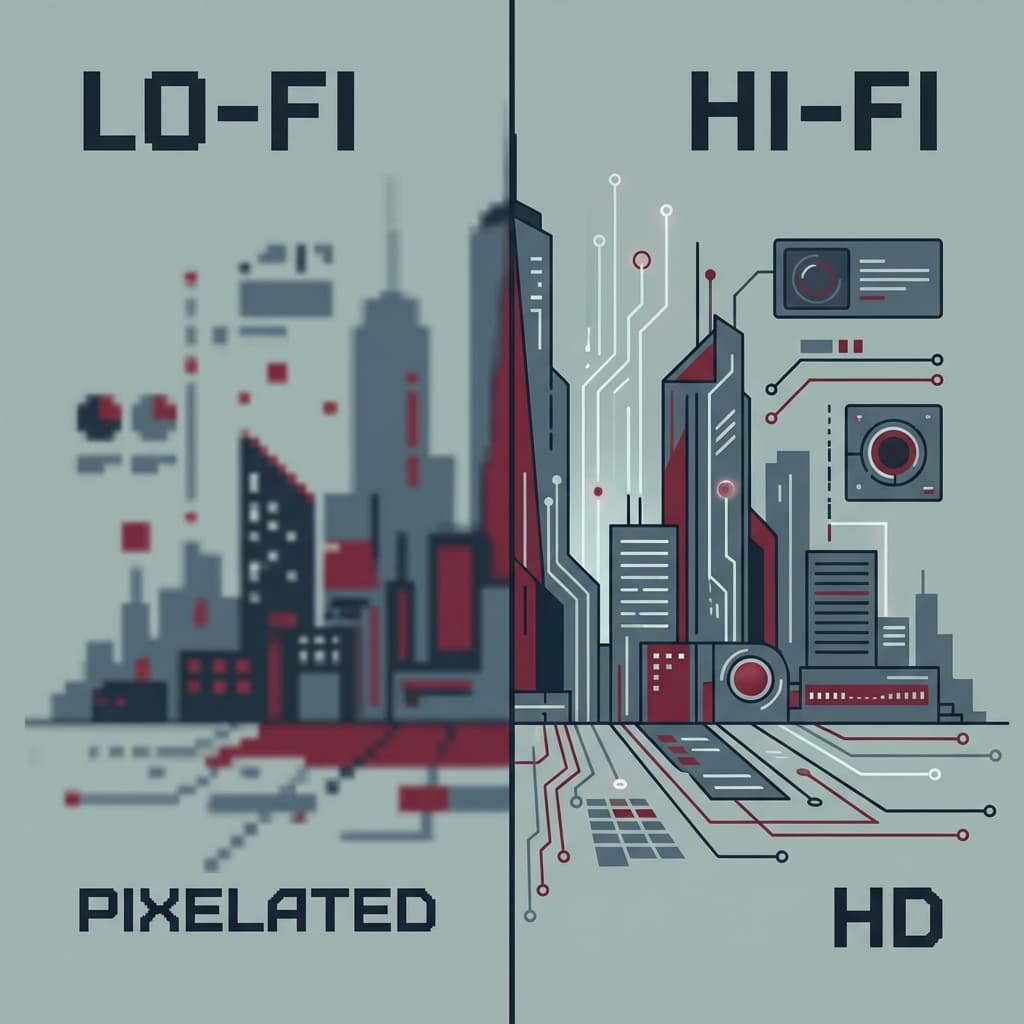
The 3-Second Rule
According to Google's Core Web Vitals, the Largest Contentful Paint (LCP) should occur within 2.5 seconds. However, the HTTP Archive State of the Images Report shows that images still account for 50% of the average web page's weight.
The Problem: "Display Size" vs "Intrinsic Size"
Serving a 4000px wide image for a 400px mobile viewport is the most common "Lighthouse" failure. It wastes cellular data and forces the browser to engage in expensive downsampling operations.
The Fix: The Web-Native Workflow
Step 1: Resize to Target
Use the Image Resizer to match standard breakpoints:
- Desktop HD: 1920px width
- Tablet: 1024px width
- Mobile: 400px width
Step 2: Modern Formats (WebP)
The WebP format, developed by Google, provides superior compression.
- Data: WebP images are 26% smaller than PNGs and 25-34% smaller than JPEGs at equivalent SSIM quality index.
Step 3: Strip Metadata
Camera Raw files contain EXIF data (GPS coordinates, Shutter Speed). This is a privacy risk and unnecessary bloat. Our EXIF Cleaner ensures your public assets don't leak your home location.
The Result
Optimizing images is the single highest-ROI activity for site speed. We've seen LCP scores drop from 4.2s to 0.8s simply by converting a homepage Hero banner from PNG to WebP.
Share this article